
18 Oct 2026
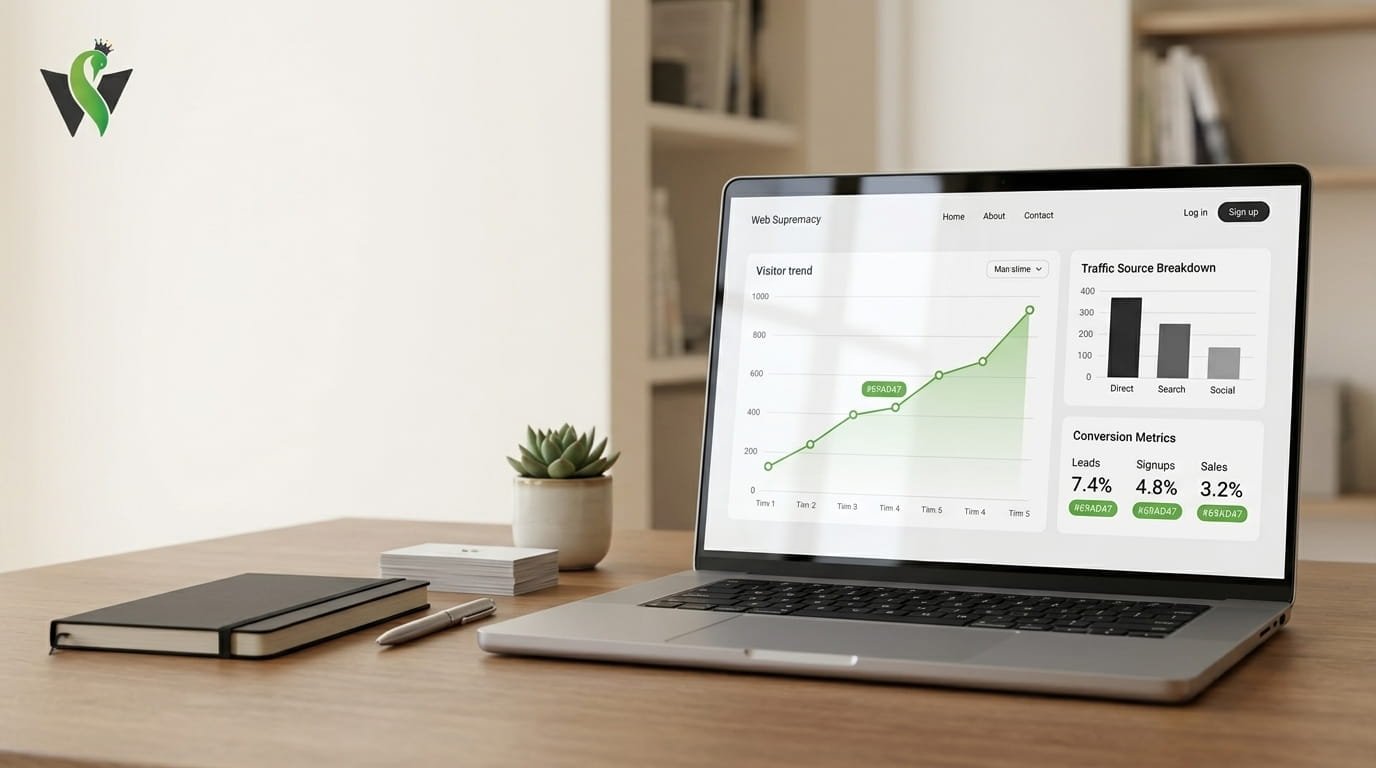
The Hidden Cost of Guessing: Why Small Businesses Need Website Analytics in 2026
By Web Supremacy | October 18, 2026
Imagine investing time and money into your website, publishing content, and promoting your business on social media, only to discover that you have no idea which efforts are actually bringing customers.
By combining search performance data with website analytics for small businesses, owners can better understand whether organic visitors are finding relevant content and taking valuable next steps.
Your website receives visitors, but are they contacting you? Are potential customers finding the information they need? Which marketing channels bring the most valuable traffic?
Understanding website analytics for small businesses helps owners replace assumptions with measurable insights, identify opportunities, and make more informed decisions about their online growth.
Without reliable answers, you are making decisions based on assumptions rather than evidence.
That is why website analytics for small businesses matters in 2026. Analytics helps business owners understand how people discover their websites, what they do after arriving, and which actions contribute to business goals.
The good news is that you do not need a large marketing team or an expensive analytics platform to get started. With the right tools, a few meaningful measurements, and a consistent review process, you can make smarter decisions about your online presence.
In this guide, we will explore what website analytics can reveal, which metrics matter most, and how to turn website data into practical business improvements.
What Is Website Analytics?
Website analytics is the process of collecting and analyzing information about how people interact with your website.
For website analytics for small businesses to deliver real value, traffic data must be connected to enquiries, sales, marketing costs, and the quality of incoming leads.
It helps you understand where visitors come from, which pages they view, how they navigate your content, and whether they complete important actions.
For example, a local service business might use analytics to discover that its service pages attract visitors from Google but generate very few enquiries. An online store might find that customers frequently view a product but rarely complete a purchase.
These insights help businesses investigate problems and identify opportunities for improvement.
Website analytics tools such as Google Analytics provide reports about website activity, traffic sources, engagement, and important user actions. Google also offers resources for beginners to learn how to set up analytics and measure business objectives.
The goal is not simply to collect more numbers. It is to understand what those numbers mean for your business.
1. Stop Spending Money on Marketing That Does Not Deliver
Small businesses often promote themselves across several channels, including social media, search engines, email campaigns, and paid advertising.
However, without proper measurement, it can be difficult to determine which channels deserve more attention.
Imagine your business receives 1,000 website visits in a month:
- 500 visitors arrive through organic search.
- 300 arrive through social media.
- 200 arrive through paid advertising.
At first glance, social media and advertising might appear successful because they generate substantial traffic. But traffic alone does not tell you which channel produces enquiries or sales.
Suppose your analytics and lead-tracking systems show that organic search generates 20 enquiries, social media generates 5, and paid advertising generates 4.
Organic search would be generating more enquiries in this example, but you would still need to consider costs, lead quality, and eventual sales before deciding where to invest.
This is where website analytics for small businesses becomes valuable. It helps connect marketing activity with measurable outcomes.
What you can do:
- Track website traffic by acquisition channel.
- Measure enquiries and purchases from each source.
- Compare the cost of marketing with the value it generates.
- Invest more thoughtfully in channels that attract relevant prospects.
Do not abandon a marketing channel simply because it produces fewer visitors. A smaller audience can be more valuable when it contains people who genuinely need your services.
2. Discover Which Pages Attract Your Best Customers
Not every page on your website serves the same purpose.
Your homepage introduces your business. Service pages explain what you offer. Blog articles answer questions, while contact pages help interested visitors take the next step.
Analytics can help you understand which pages attract attention and which ones contribute to your business objectives.
For example, a web design agency might discover that its article about website redesign attracts relevant visitors, while a particular service page generates the most qualified enquiries.
That information can guide future content planning, internal linking, and website improvements.
However, page views should not be treated as the only measure of success. A popular article may attract readers who are not potential customers, while a less frequently visited service page may generate valuable leads.
What you can do:
- Identify your most frequently visited pages.
- Review the pages that lead to enquiries or purchases.
- Compare engagement across important pages.
- Improve pages that attract relevant visitors but do not encourage the next step.
- Create useful connections between related articles and services.
The objective is to understand how each important page contributes to the customer journey, rather than simply trying to make every page more popular.
3. Understand What Visitors Actually Do on Your Website
Getting visitors to your website is only part of the challenge. You also need to understand whether they can find what they came for.
Do people visit your pricing page? Do they click your contact button? Do they begin filling out an enquiry form but fail to submit it?
These interactions can reveal opportunities to improve the user experience.
Google Analytics supports event measurement, which allows businesses to track interactions such as purchases, sign-ups, and other important actions when the relevant tracking is configured.
For a service-based business, useful events might include:
- Clicking an enquiry button.
- Submitting a contact form successfully.
- Clicking a telephone number.
- Downloading a service brochure.
- Booking an appointment.
Tracking must be configured correctly. For example, a button click does not necessarily mean a form was successfully submitted, so these actions should not be treated as interchangeable.
Once you understand which interactions matter, you can investigate where visitors encounter difficulties.
A practical example: If many visitors click your contact button but few successfully submit the form, examine the form length, required fields, error messages, mobile usability, and clarity of the next step.
Analytics will not automatically tell you why visitors struggle, but it can help you identify where further investigation is worthwhile.
4. Use Search Data to Find Better SEO Opportunities
Your website may already be appearing in Google search results for queries related to your products or services. The question is whether the right people are finding and visiting your pages.
Google Search Console provides information about search impressions, clicks, click-through rate (CTR), and average search position.
These metrics can help you identify opportunities that might otherwise go unnoticed.
For example, a service page might receive many impressions but relatively few clicks. This could indicate that its search listing needs improvement, although the cause may also involve search intent, competition, or the type of results displayed.
Similarly, an article might attract search traffic for a topic that deserves a more comprehensive explanation or a related service page.
How to use search data effectively:
- Review the queries that generate impressions.
- Identify relevant queries with substantial impressions but comparatively low CTR.
- Improve page titles and descriptions when they accurately reflect the content and search intent.
- Review pages that receive clicks but do not attract meaningful enquiries.
- Compare performance over time rather than reacting to isolated daily changes.
Effective website analytics for small businesses goes beyond recording clicks; it helps identify meaningful interactions and possible obstacles in the customer journey.
Google Search Console’s official Performance report guide explains how to explore search queries, pages, countries, devices, and other performance dimensions.
Remember that higher rankings and more clicks are not the final objective. The aim is to attract relevant visitors who can benefit from what your business offers.
5. Find Out Whether Your Website Works Well on Mobile
Customers may discover your business while commuting, browsing social media, comparing providers, or searching for a service on their phones.
If your website is difficult to navigate on a smaller screen, you could be creating unnecessary barriers for potential customers.
Website analytics can help you compare performance across devices and identify patterns worth investigating.
For instance, you might notice that mobile visitors reach a particular service page but rarely complete the enquiry process. That observation does not prove the design is responsible, but it provides a reason to investigate.
Check whether:
- Text is readable without zooming.
- Buttons are easy to tap.
- Contact information is easy to find.
- Forms work correctly on smaller screens.
- Important content loads without unnecessary delays.
- Navigation is clear and predictable.
Also review mobile performance using appropriate testing tools. Analytics and technical testing work best together because user behavior can highlight potential issues, while testing helps uncover their underlying causes.
A well-designed website should make the next step straightforward, regardless of which device someone uses.
6. Measure Leads and Sales Instead of Celebrating Traffic Alone
One of the most important lessons in website analytics is that activity and results are not the same thing.
A website can receive thousands of visits without generating meaningful business. Another website might receive fewer visits but consistently attract suitable enquiries.
This is why small businesses should define their key performance indicators (KPIs) before deciding whether their website is successful.
Depending on your business model, useful measurements might include:
| Business goal | What to measure |
|---|---|
| Generate enquiries | Valid contact form submissions and qualified leads |
| Sell products | Completed purchases and revenue |
| Book appointments | Confirmed bookings |
| Grow an email audience | Successful newsletter sign-ups |
| Improve search visibility | Relevant organic clicks and impressions |
| Improve marketing efficiency | Cost per lead and customer acquisition cost |
For example, if your website receives 800 visits and generates 16 valid enquiries, its enquiry conversion rate is 2%.
One of the biggest benefits of website analytics for small businesses is the ability to evaluate results against clear goals instead of judging success by traffic numbers alone.
The calculation is:
Conversion rate = (Number of conversions ÷ Total visits) × 100
In this example:
(16 ÷ 800) × 100 = 2%.
This is an illustrative calculation, not a recommended benchmark. The right target depends on your industry, traffic quality, offer, and how a conversion is defined.
You should also connect website enquiries to your sales process whenever possible. A form submission is useful, but knowing how many enquiries become paying customers provides a more complete picture of business performance.
7. Turn Analytics Into a Simple Monthly Action Plan
Collecting data is not enough. Its real value comes from the decisions you make afterward.
You do not need to spend hours every day studying dashboards. A consistent monthly review can provide a practical starting point for many small businesses.
Here is a simple process to follow.
Step 1: Review Your Traffic Sources
Check how people discovered your website. Compare organic search, referrals, social media, email, and paid campaigns where applicable.
Look for meaningful changes rather than assuming every increase is positive.
Step 2: Identify Your Most Important Pages
Review your main service pages, product pages, landing pages, and high-value articles.
Ask which pages attract relevant visitors and which contribute to your business objectives.
Step 3: Check Your Key Events
Confirm that important actions, such as successful form submissions, purchases, and bookings, are being measured correctly.
Incorrect tracking can lead to incorrect decisions, so validate your setup periodically.
Step 4: Find One Problem Worth Solving
Avoid trying to change everything at once.
Choose a clear opportunity, such as improving an underperforming service page, fixing a broken form, or making an important call to action easier to find.
Step 5: Make One Measurable Improvement
Record what you changed and why. Then monitor the relevant metric over an appropriate period.
Consider other factors that might influence the result, including seasonality, advertising changes, and fluctuations in traffic.
Over time, this approach creates a cycle of measurement, learning, and improvement.
Which Website Analytics Tools Should Small Businesses Use?
You can begin with a small set of tools rather than paying for several overlapping platforms.
Google Analytics 4 (GA4)
Useful for understanding website activity, traffic acquisition, engagement, and configured business events.
Official resource: Google Analytics beginner’s guide.
Google Search Console
Useful for understanding how your website appears in Google Search, including search queries, impressions, clicks, CTR, and average position.
Official resource: Google Search Console Performance reports.
Website performance testing tools
Tools such as PageSpeed Insights can help you investigate loading performance and identify technical improvements.
Each tool answers different questions. Analytics helps explain observed user behavior, Search Console helps explain organic search visibility, and performance testing helps investigate technical issues.
Before collecting data, configure your tools carefully, respect applicable privacy requirements, and avoid collecting personal information that should not be sent to analytics platforms.
Common Website Analytics Mistakes to Avoid
Even when businesses have analytics installed, they can still struggle to turn the information into useful decisions.
Avoid these common mistakes:
Tracking everything without a clear goal. Too many metrics make it harder to identify what matters. Begin with a few measurements tied directly to business objectives.
Treating every visitor as a potential customer. Traffic quality matters. A large audience is not automatically a relevant audience.
Making decisions based on short-term fluctuations. Compare suitable date ranges and consider seasonal or marketing-related changes before drawing conclusions.
Ignoring tracking errors. Missing events, duplicate conversions, and incorrectly configured forms can distort your reports.
Assuming analytics explains every problem. Data can show where a problem may exist, but user testing, customer feedback, technical checks, and professional judgment may be needed to understand the cause.
Collecting data without taking action. A dashboard that nobody reviews does little to improve business performance. Establish a regular review process and assign responsibility for the next steps.
Regularly reviewing website analytics for small businesses gives owners a repeatable process for identifying problems, testing improvements, and learning from measurable results.
Final Thoughts: Make Better Decisions With Website Analytics
Running a business already involves uncertainty. Your website should help you reduce it, not add another layer of guesswork.
With a thoughtful analytics setup, you can better understand your audience, evaluate marketing performance, identify website improvements, and measure the actions that matter to your business.
You do not need to track every possible metric. You need to measure the right things, interpret them in context, and use what you learn to make better decisions.
At Web Supremacy, we believe an effective website should do more than look professional. It should support your business goals through thoughtful design, reliable development, and a clear strategy for improvement.
A consistent website analytics for small businesses strategy also reveals which pages deserve more attention, which content attracts potential customers, and where improvements could make the biggest difference.
If your website generates traffic but you are unsure what is working, it may be time to look beyond appearances and start measuring performance.
If you want to improve website analytics for small businesses at your company, start by choosing a few meaningful metrics, checking your tracking setup, and turning the findings into practical improvements.
Ready to make your website work harder for your business?
Explore Web Supremacy’s web design, development, and SEO services to build a stronger digital foundation for your business.
Visit https://thewebsupremacy.com/ to learn more.
Google Analytics beginner’s guide
https://developers.google.com/analytics/learn/beginners
Use this for the section explaining website analytics and event tracking.
Google Search Console Performance reports
https://support.google.com/webmasters/answer/7576553
Keep this link in the SEO and search performance section.
Google PageSpeed Insights
Use this in the mobile usability and website performance section.
Leave A Comment
Let’s talk
Have a project in mind?